Start with the sign-in experience
Users can register supported platform authenticators, security keys or synced passkeys and sign in without entering a password. Account Management provides registration, naming and removal of login passkeys.
Passkey registration is bound to the ProAuth relying-party domain. Plan that identity endpoint as part of your long-term deployment, including any hosting move. Device and browser support should be checked with representative users.
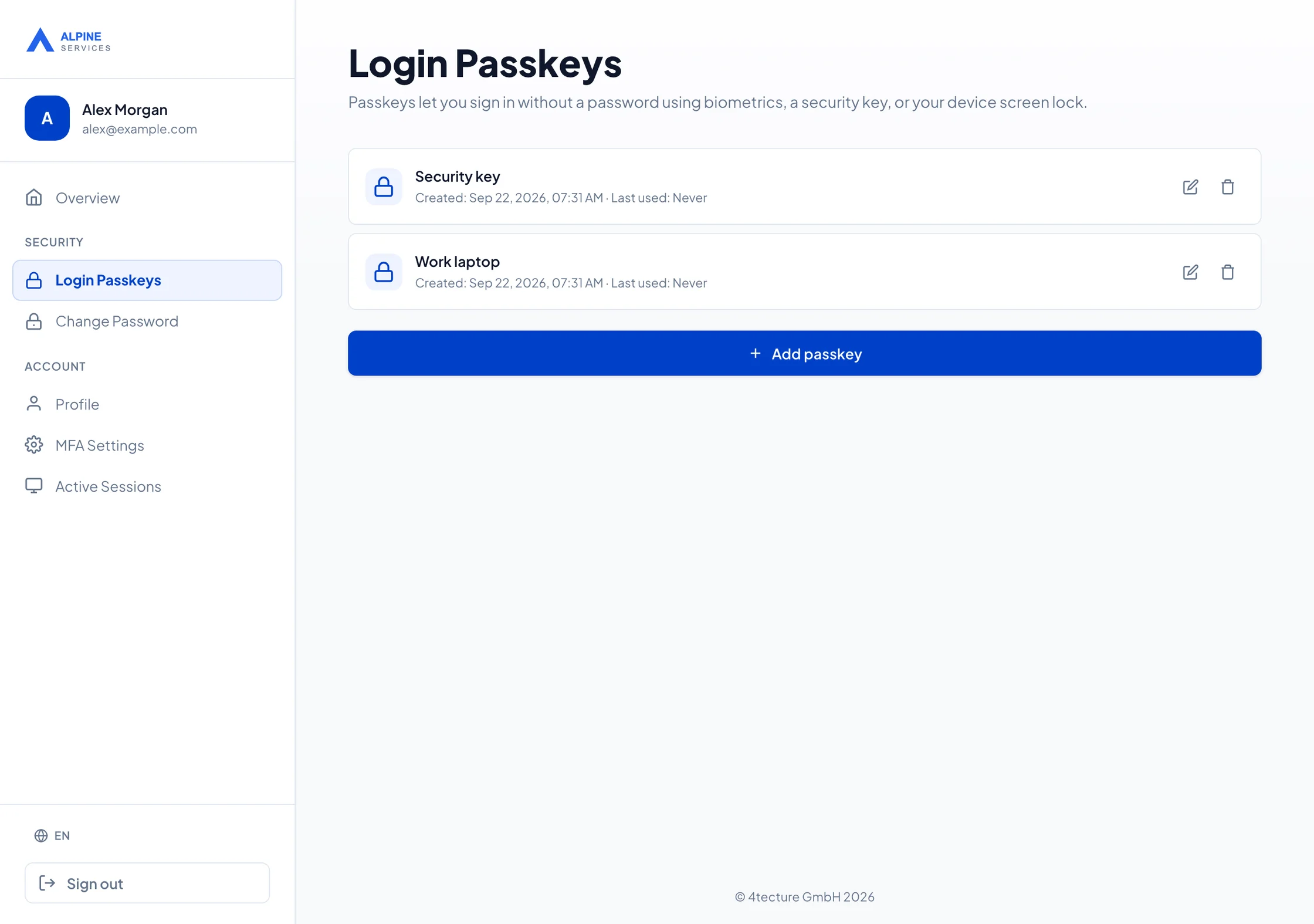
Decide how passwords remain available
Enabling passkeys does not remove existing passwords. The current documented enforcement option can require users who already have a registered passkey to use passkey sign-in; users without one retain password sign-in.
Introducing passkey sign-in and permanently deleting password credentials are different changes. Choose a rollout that your users and support organisation can operate, and verify the controls available in your installed version.
Make recovery part of adoption
Consider lost devices, device replacement, shared-workstation use and access to synced authenticators. A second registered authenticator can provide another sign-in option, but it is not a complete recovery procedure.
Define how users establish their identity during recovery, what administrators may do and how sensitive changes are communicated. Validate those procedures before requiring users to rely on passkeys. The availability and enforcement of recovery controls depend on the deployed version and configuration.