Skip to content

A new application, an existing directory

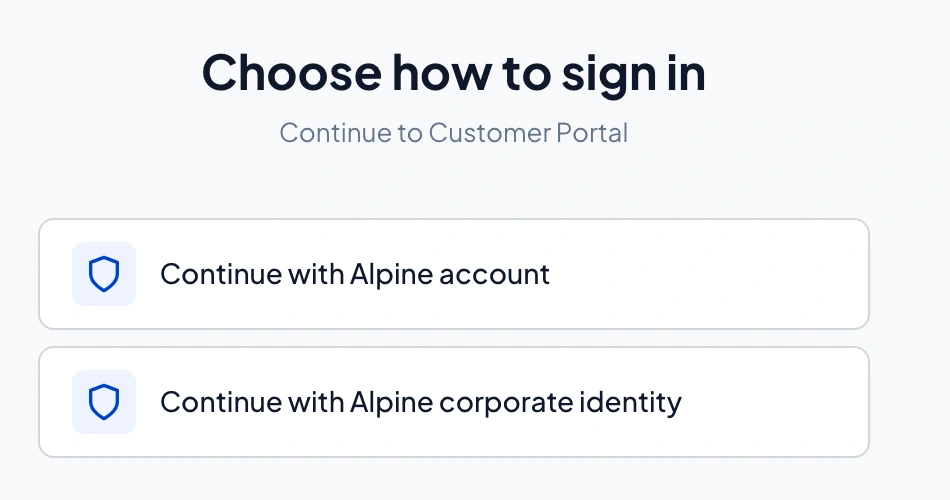
A team is building a business application. Employees should use their enterprise accounts, while external users need accounts managed by the application team. Both groups need access to the same product.

A hypothetical example to explain the approach.

What your team gains

One application integration
Connect to ProAuth through OIDC and OAuth while it handles the configured identity sources.
Your existing accounts still fit
Combine enterprise federation and ProAuth user stores within the same deployment.
A product your team can shape
Use APIs and configurable authentication views to bring identity into your application experience.

Different requirements in one deployment

Your business applications and APIs
OIDC / OAuth
One deployment on your Kubernetes infrastructure

Runtime configuration ยท APIs ยท Customisable sign-in

Identity sources can be combined

  • Local accountsProAuth user stores
  • Existing enterprise accountsOne or more OIDC providers
One logical ProAuth deployment can serve multiple applications, tenants and identity sources. Identity sources are configuration choices, not separate ProAuth deployments. Replicas for availability are not shown.

Connect your applications once

ProAuth acts as the identity provider your applications trust. Behind that integration, configure one or more OIDC providers and ProAuth user stores. Multiple identity sources do not require separate ProAuth installations.

Compatible applications use standard OIDC/OAuth integration. Your team defines application permissions and validates how identities map to business access. Existing integrations can be assessed individually.

Configure the experience around your organisation

Use the Management API and configuration tooling to manage tenants and supported settings at runtime. Your tools can integrate user administration through the user-store APIs.

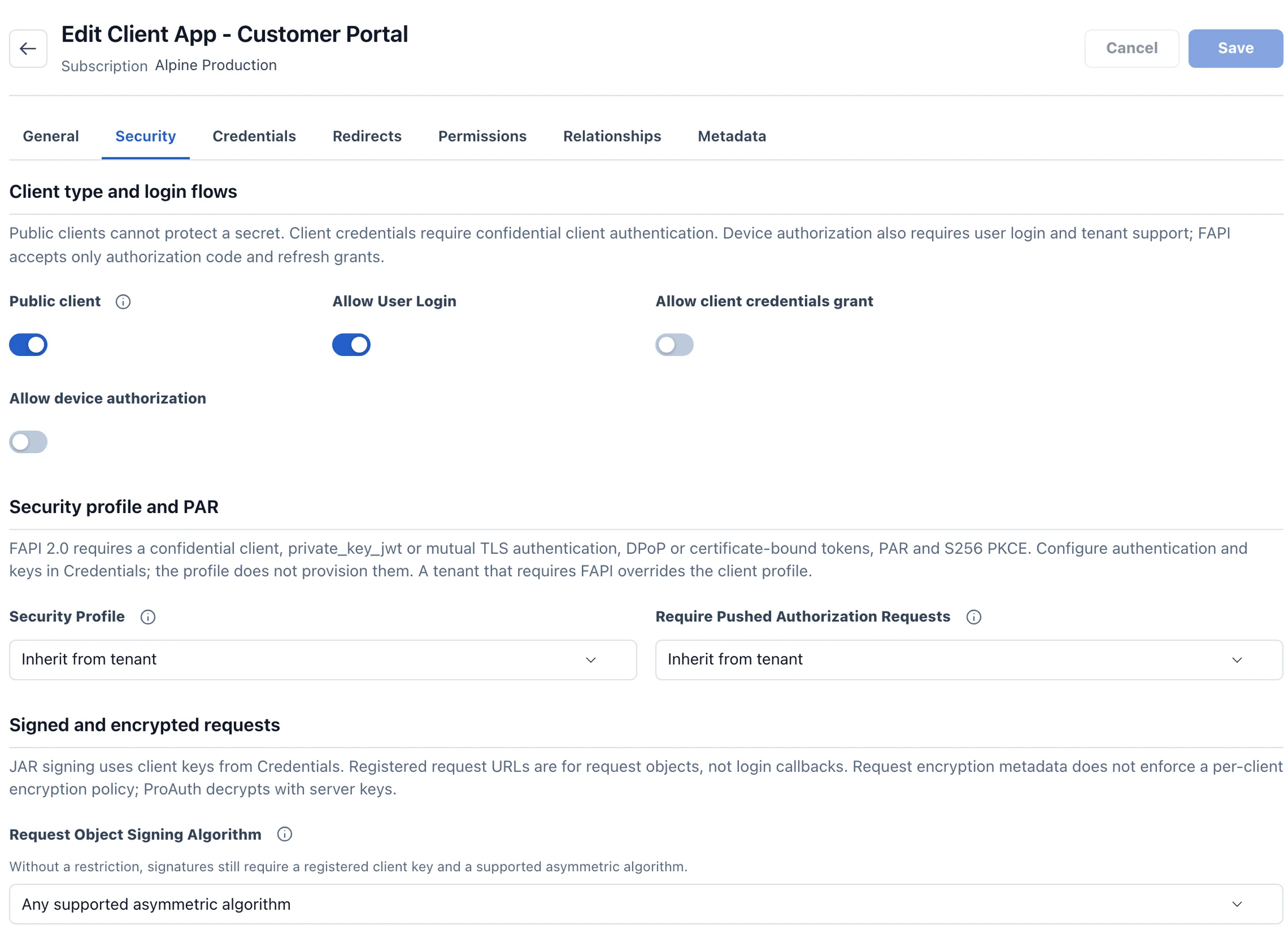
Authentication views can follow your product design. Tenant-specific login views and SCIM provisioning require Enterprise. Your directory administrator configures the federation and any separate provisioning connection.

Own the platform and its lifecycle

Run ProAuth on your chosen Kubernetes infrastructure, with supported databases and the required shared services. Identity data, configuration and operating access stay under your administration.

ProAuth supplies the maintained product and product support. Your team owns application integration, infrastructure, deployment of updates and recovery validation; consultancy can help with those decisions.

The next step

Evaluate the approach in your project.

Bring your application landscape and deployment requirements. We can review identity sources, integration boundaries and an appropriate edition together.

Discuss your identity platform