On this page
An administrator opening a client record needs to know which subscription owns it, which settings are inherited, and whether a change is still a draft. Those details matter when several teams operate the same identity platform.
ProAuth 3.1.0, released on 29 September 2026, introduced the rebuilt Administration Portal. It brings a new frontend stack, a modern interface and faster interactions. The 3.2 release builds on that workspace with security operations and migration journeys. This article focuses on everyday configuration in the current AdminApp.
Establish scope before making a change
The subscription and User Store controls identify the working scope. Changing subscription clears the selected User Store. Accessible records and actions still depend on the administrator’s role assignments: choosing a scope never grants permission.
That is useful for delegated administration. A team can work within its assigned records without assuming that every record in the selected subscription is accessible. Server authorization remains authoritative even when the interface has already checked which controls to display.
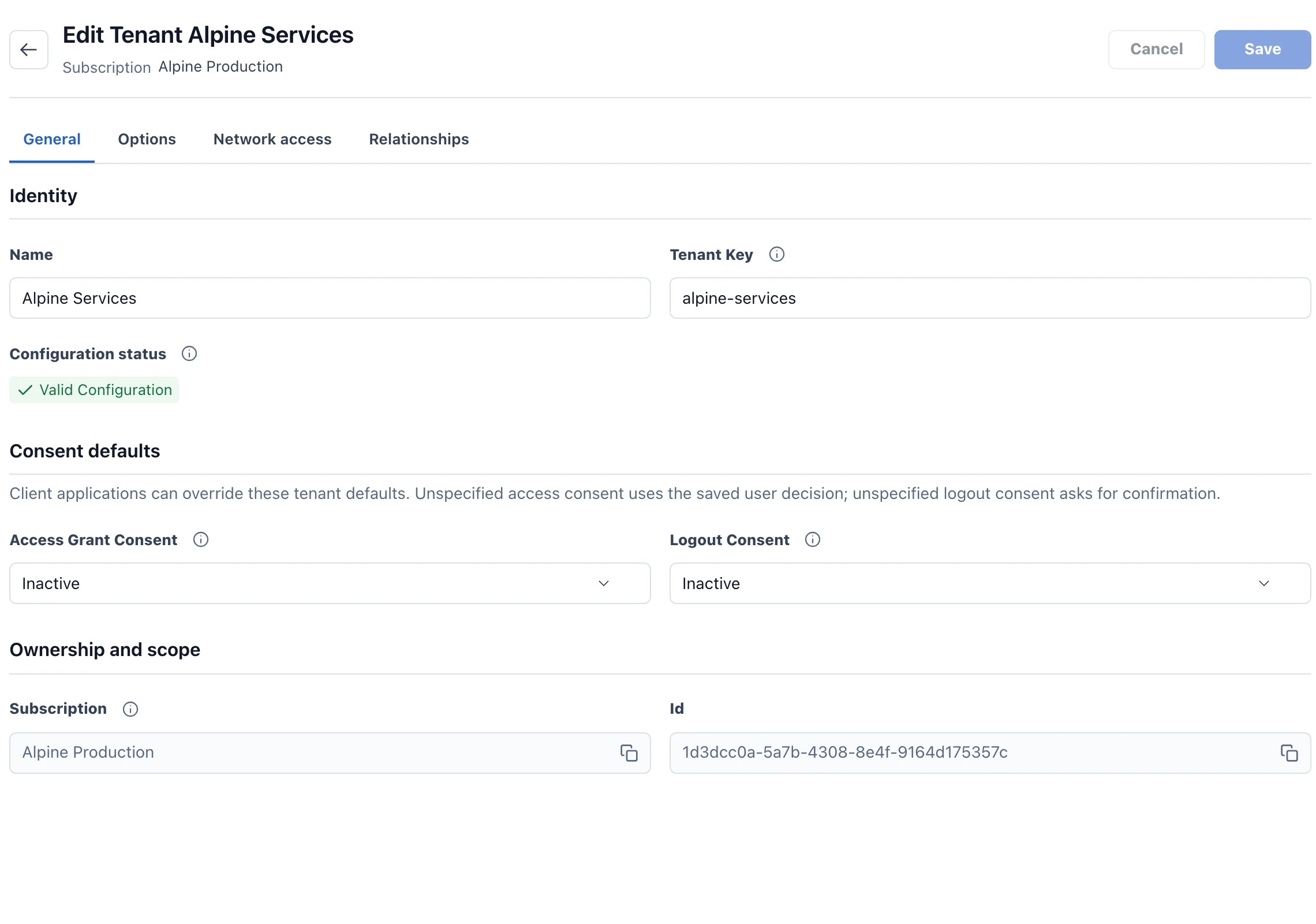
The AdminApp guide explains navigation, scope selection and permissions. Bookmarkable search, applied filters, sorting and paging help administrators return to the same working view.
Read inheritance as part of the configuration
Tenant, IDP, User Store and MFA options are grouped by task. Administrators can search by title, technical key, description or group, and distinguish a default from an explicit override.
Creating an override and resetting to inherited behavior are different changes. So are inheriting a security setting and explicitly selecting None or Disabled. A tenant security requirement may take precedence over a client choice; review the effective policy rather than interpreting one field in isolation.
The Overrides filter shows explicit values; Changes shows pending edits. Save includes staged option changes outside the current filter, so inspect the pending set before committing a broad change.
Know the save boundary
Ordinary form edits remain pending until Save. Switching form tabs preserves those edits. Relationship commands and some collections, including redirect URIs, can commit as soon as their own action is confirmed. Cancelling the parent form does not undo those successful writes.
This distinction belongs in the team’s operating procedure. Before confirming a relationship dialog, verify both the selected record and its scope. Before leaving a partially successful save, identify what the server already accepted.
For concurrent edits, the AdminApp lets the administrator compare original values, the draft and current server values. Reapplying prepares a new draft for an explicit save. An uncertain result should prompt a read of the current server state before another write.
Deploy the workspace as a matched set
AdminApp application images, page definitions and labels need to match. Apply the documented database migrations and deploy the supplied resources with the compatible application version. Updating the authorization server alone does not update stored view definitions.
For an evaluation, walk through one representative task: select a subscription, find a client, inspect inherited security settings, edit a draft and confirm a relationship. Then try the same task with a delegated role. The useful test is whether administrators can explain the scope and consequence of each change.
Continue with the 3.2 feature overview for the security operations added after the AdminApp rebuild.