On this page
A B2B application may offer corporate sign-in and local credentials to the same invited person. It still needs one accountable onboarding outcome, with the intended application access and approvals. Later, moving that person to another identity provider should not create a second business account.
ProAuth 3.2.0 introduces unified invitations and governed provider-identity replacement for those decisions. They are related lifecycle tools with different proof requirements.
An invitation records the intended access
A unified invitation targets a tenant and application and lists the eligible UserStore or federated IDP routes. It also records expiry, permitted identifier changes, approval requirements and application or group assignments.
Only one route can win. ProAuth checks lifecycle and expiry at each transition and protects completion against concurrent redemption. Ordinary application tokens are issued after enrollment, approvals and assignments complete. Sending an invitation is therefore distinct from activating access.
flowchart TD
    Invite[Issue invitation for tenant and application] --> Route[Select an eligible identity provider]
    Route --> Enroll[Complete required enrollment and proofs]
    Enroll --> Approve[Obtain required independent approvals]
    Approve --> Assign[Finalize assignments]
    Assign --> Access[Activate intended access]
The unified invitation guide documents the v2 API and lifecycle. A GET does not consume the invitation. Reminders rotate the secret; cancellation and supersession invalidate earlier material.
Email similarity does not link identities
Two identity providers returning the same email address do not establish that their identities belong to the same ProAuth subject. For an existing account, target that subject explicitly. For a provider change, use the replacement workflow.
If invitation policy allows changing the email address, ProAuth requires proof of both the invited address and the replacement address. A forwarded invitation cannot simply redirect enrollment to another mailbox. Application teams should decide whether identifier changes are necessary before enabling them.
Replace the sign-in identity with bound proofs
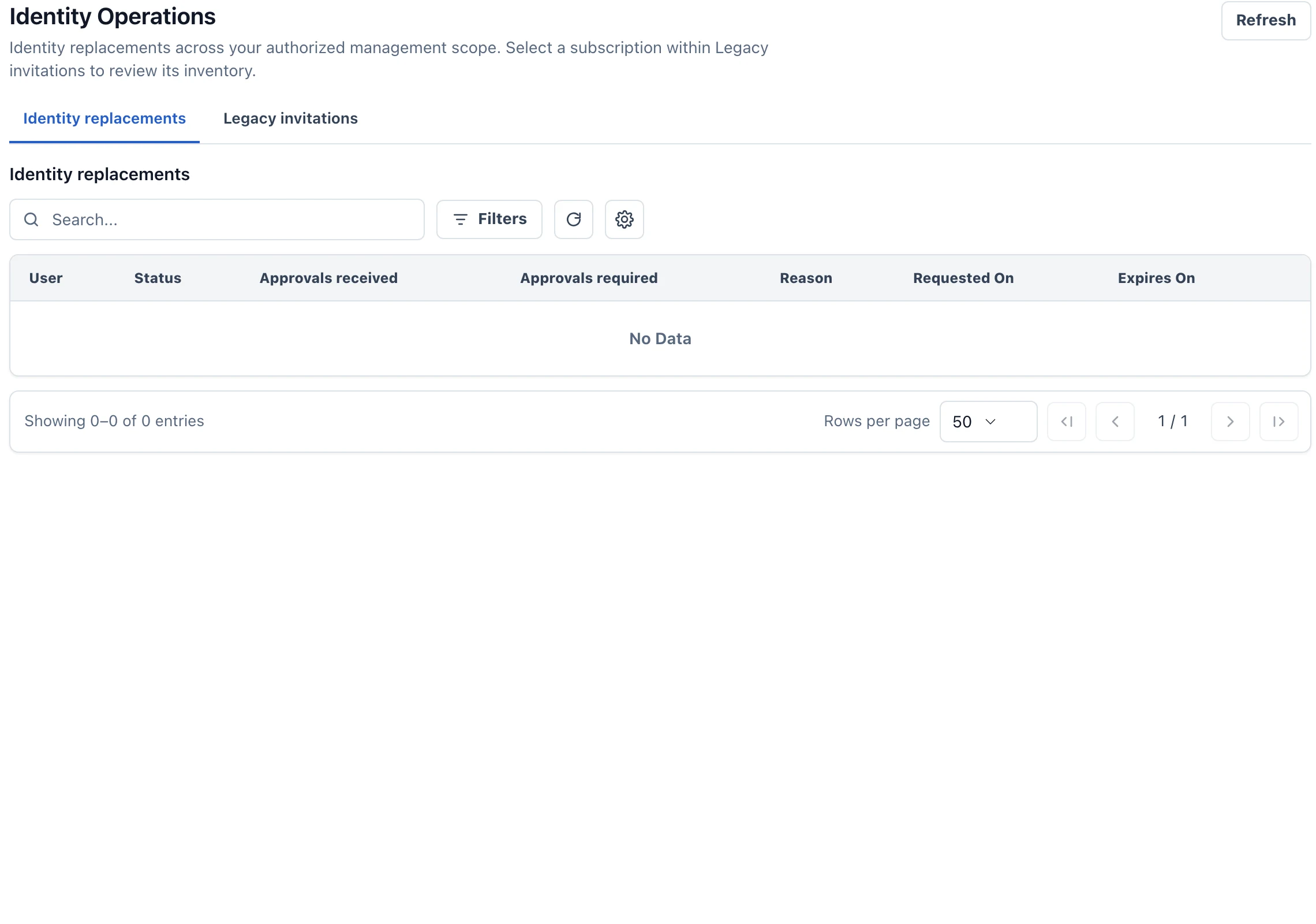
Identity replacement preserves the stable ProAuth user and outward OIDC subject while changing the active provider identity. It is not account merging.
The affected user proves both the current and replacement identities through purpose-bound Account Management journeys. Required independent approvals must be present before execution. An ordinary login cannot be reused as replacement proof.
Execution retires the former identity, activates the replacement and preserves roles, consents and assignments. Durable cleanup handles related authentication state; administrators should distinguish an executed identity switch from cleanup still in progress.
See identity and session security for proof, approval and revocation details. After execution, manually reactivating the retired identity is not a supported reversal. A changed business decision requires a new governed replacement.
Include legacy onboarding in the rollout
Existing invitations need inventory and reissue through the documented migration workflow. Reissue cancels the legacy bearer marker and creates a unified invitation; delivery and acceptance still need verification.
For an evaluation, test a local route, a federated route, cancellation, concurrent attempts and an approval that arrives after expiry. For identity replacement, verify that the application still recognizes the same user and that the old provider identity no longer signs in. Those checks demonstrate continuity without relying on email-based matching.